Guests book straight with you, and it lands on the calendar like any other booking
Roomrise's booking engine for direct bookings: send the guest a link. They pick a room, transfer the payment and send a receipt, you confirm it, and the booking lands on the calendar while every channel's availability recalculates.
1-2 of 2
Booking request sent
Next steps
- 1Transfer the full amount using the payment details provided
- 2Attach the payment receipt (a screenshot)
- 3The property confirms within 24 hours
Nine steps, three of them are yours
Share the link, confirm the receipt, convert the request into a booking. The guest or Roomrise handles the rest.

Lê Ngọc Diệp
Vietnam · Vietnamese
 Vietnam · Vietnamese
Demo data
Rivertide Boutique Hotel
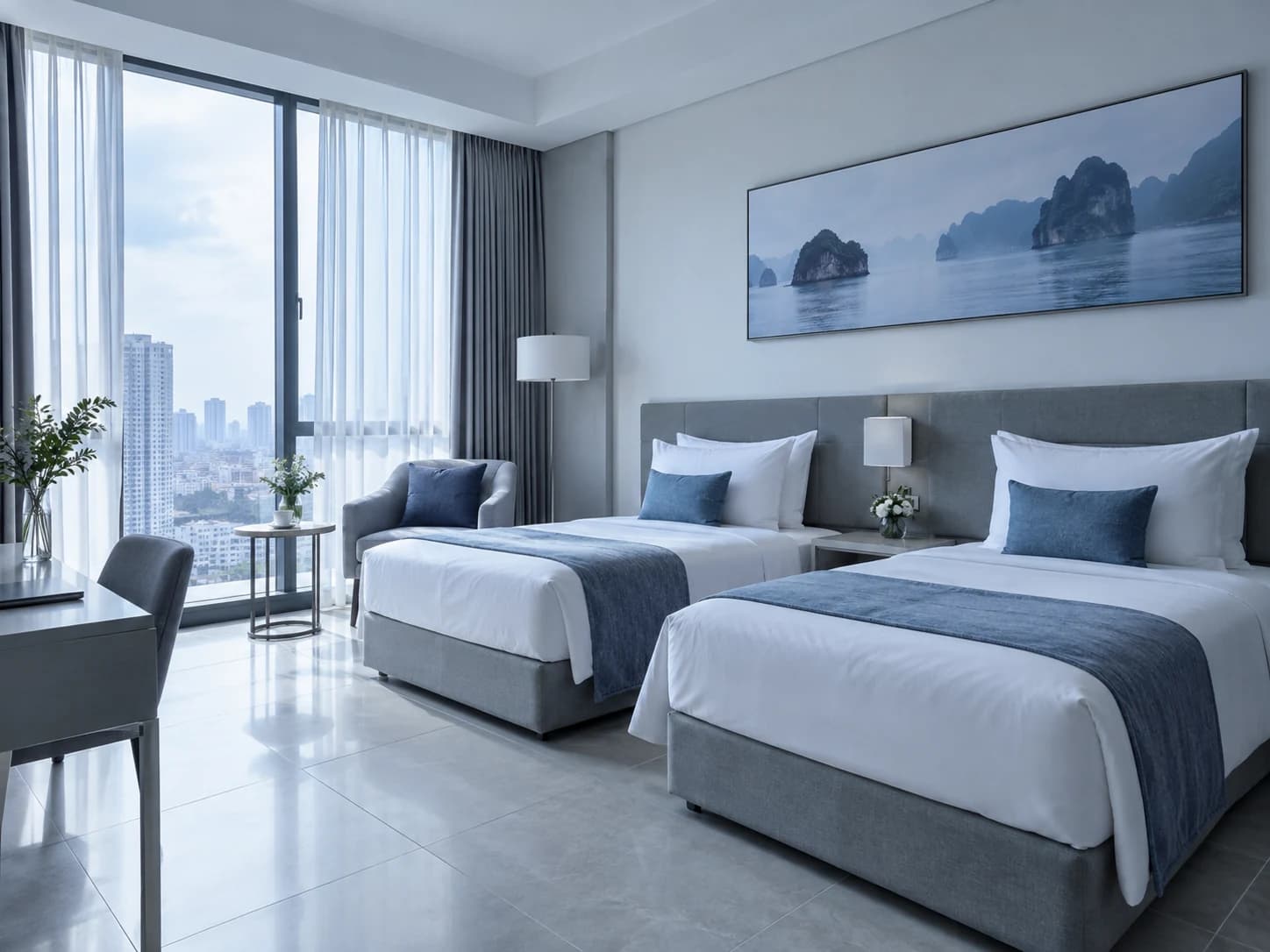
Superior Room · room 403
Illustrative room type photo.
01ShareProperty
You send the link over Zalo, Facebook, email or your website.
02View the roomGuest
Photos, amenities, reviews, daily rates.
03Pick a roomGuest
Dates, number of guests, total shown right away.
04HoldRoomrise
The unit is held for a limited time, released on its own if it expires.
05PaymentGuest
The guest transfers payment then sends a photo receipt.
06ConfirmProperty
You check the receipt on the Booking requests screen.
07Lands on the calendarProperty
Tap "Convert to booking", and every channel's availability recalculates.
08MessageGuest
The guest writes, you reply in the same inbox as OTA messages.
09TripGuest
The guest sees the status and gets notified when it changes.
What it does
Your property's own booking page
Photos, room types, amenities, reviews and daily rates. The guest sees the total the moment they pick dates, with no need to message and ask for a price.
Held while the guest transfers payment
Sending a request holds that unit for a limited time. If the transfer does not come through in time, it is released for someone else to book.
You confirm, it lands on the calendar
Requests sit on the Booking requests screen by status. Once confirmed, a request becomes a booking, just like one from a channel.
Invite an agent by email
When you create the link, enter the agent's or partner's email. They receive an invitation, and logging in with that same email lets them book through the link.
Guests track their own trip
Guests can see the status, the confirmation code, message you directly and get notified whenever the request changes status.
One direct booking request, from the guest's message to a booking
See both sides of the same request: the guest sends a receipt from their phone, and the property confirms the payment and turns it into a booking. Choose a step below to stop on it.
The guest sends a receipt, the property confirms in two steps
Illustrated with demo data. The cursor is only a drawing; the steps below are clickable.
Guests never have to ask "is it confirmed yet"
The status you change on the Booking requests screen shows up right away under Trips on the guest's phone, with a notification email. Any question, they message you directly, into the same inbox as channel messages.
See the shared inboxMy trips
- BR-20260915-8073Confirmed31-10-2026 → 02-11-2026
- BR-20260915-5530Expired23-10-2026 → 25-10-2026
 Trần Thu HàRivertide Boutique Hotel
Of course, I'll combine it for you. The e-invoice will be emailed within 24 hours after you check out, with an itemized statement so you can check each charge.
One task at a time, with nothing new to learn
Pick a capability to see the exact screen behind it.
The next three steps, right on the guest's screen
After sending a request, the guest sees the request code, the amount, and exactly three things to do: transfer the payment, send the receipt, and wait for confirmation within 24 hours.
Booking request sent
Next steps
- 1Transfer the full amount using the payment details provided
- 2Attach the payment receipt (a screenshot)
- 3The property confirms within 24 hours

The person booking directly is at home, ahead of their trip. They need to see the price and know the next step, with no call required.
What Roomrise doesn't do yet
Stated right on the capability page, not buried in an internal document.
Payment today is a bank transfer with a photo receipt, confirmed by the property. There is no card or e-wallet payment on the page yet.
Guests do not need an account to book. An account is only used to track the trip afterward.
Your guest booking page and the emails guests receive are in Vietnamese today, and prices are shown in VND.
Clear answers before you start
The questions we hear most, including what Roomrise doesn't do yet.
Does Roomrise have a booking engine for direct bookings?
Do guests need an account to book direct, without an OTA?
Can guests pay by card on the direct booking page?

See Roomrise run on your property.
20 minutes with a person from our team. Tell us how you operate today, and we open the matching screens.